Your Live Photos.
Playing.
Every Live Photo keeps the moment around the shutter. Edit Live opens your library with all of them moving, in a film look of your choice. Pick a few and they become one video.
Coming soon to the App Store
For iPhone and iPad.

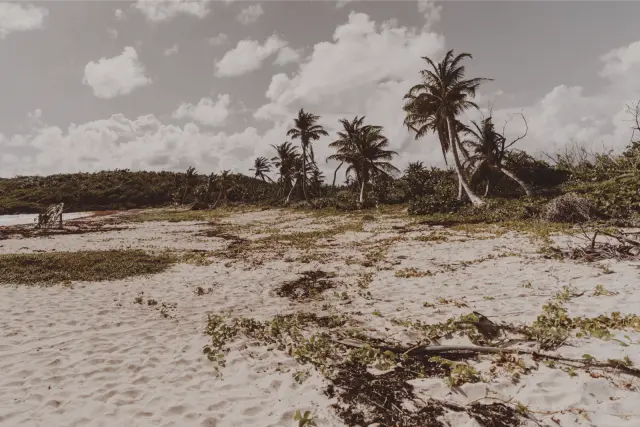
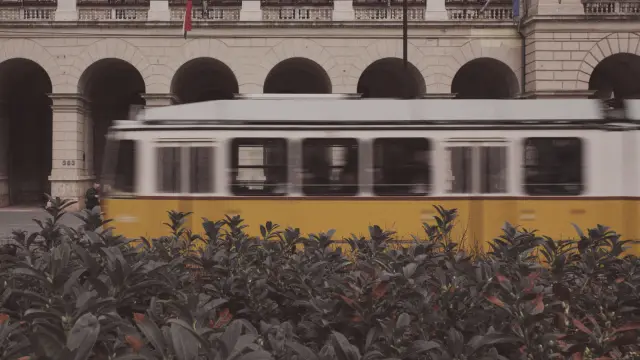



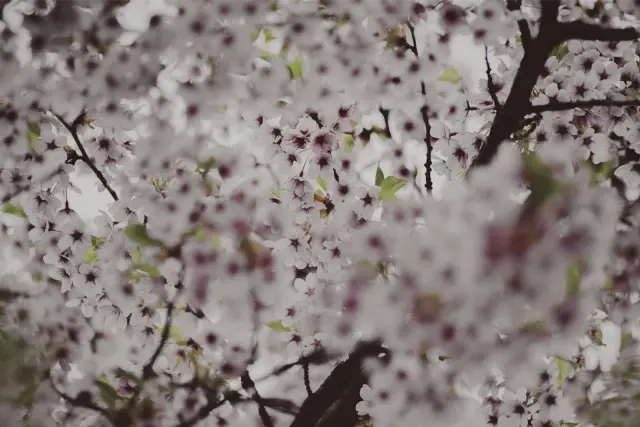


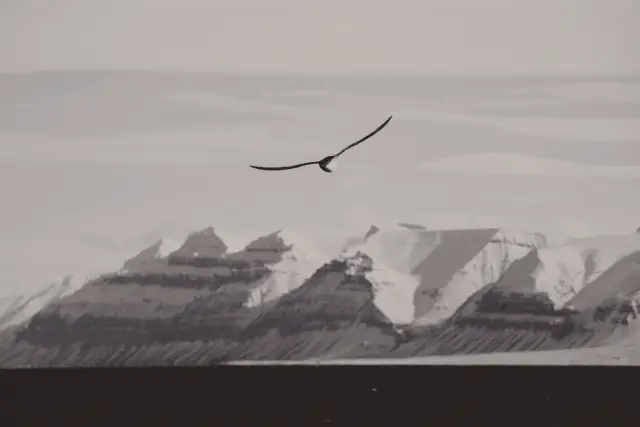
Every tile in GOLD W 320. In Edit Live each one is a Live Photo, playing on a loop.
Every photo has a moving smile behind it.
When you take a Live Photo, your iPhone also keeps a second and a half before and after the shutter: the laugh before the smile, the wave after the jump. The Photos app shows you the still. Edit Live plays the moment.
iPhone takes Live Photos by default, so your library is probably full of them already. Edit Live shows only Live Photos; other photos and videos stay out of the gallery. To take more, keep the Live button in the Camera app turned on.
How it works.
1
Open your Live Photos
Every Live Photo in your library plays in the grid, muted and on a loop. The next screen is prepared while you look, so it plays as soon as you stop scrolling.
2
Choose a look
Pick one of EditAll's film looks, add a white border if you like, and every loop changes as it plays.
3
Make a video
Tap the clips you want in the order they should play. Edit Live joins them into one video for Photos or for sharing.
A library that moves
- Every tile plays
- At one and three columns, and on collage pages, the Live Photos on screen loop together, each on its own clock. Zoom out further and tiles show the still in your look.
- Pinch to change the layout
- One, 3, 5, 9, 15 or 30 columns, in 3:4 or square tiles. Or lay the page out as a collage: Edge, Hero, Stagger or Prints.
- Back-and-forth loops
- Turn on back-and-forth in Settings and each Live Photo plays to the end and back to the start, over and over.
- Calm by default
- The grid plays at half speed, so a screen full of loops stays easy to look at. Tap a tile to watch it full screen at normal speed.
Film looks from EditAll
- The same looks, in motion
- Edit Live uses EditAll's built-in film presets and its renderer, so Fujifilm, Kodak, Polaroid and black-and-white looks match the photos you edit in EditAll. See the looks
- White borders
- Frame every tile, the full-screen view, and your finished video with an EditAll border.
- Change it while it plays
- Switch looks and every loop takes the new one on its next frame. Nothing reloads.
One video from many
- Choose clips in order
- Tap Select, then tap clips in the order they should play. Numbered badges show the order.
- Edit while it plays
- The editor plays your video as you change it. Set each clip, or all of them, from 0.25× to 2×, and hold and drag to reorder.
- Sound and trimming
- Keep the sound or leave it out, and trim half a second from both ends of each clip to lose the shake of pressing the shutter.
- Save or share
- Save the video to Photos, or share it straight from the editor. Your Live Photos stay as they were.
Private by design
- No account. No ads.
- Edit Live plays, edits and saves your Live Photos on your iPhone or iPad, and your photos and videos never leave it. The app sends only anonymous usage and crash data, so we can fix problems. Read the privacy policy

From the makers of EditAll.
EditAll puts one film look on every photo in your library, and on its camera. Edit Live brings the same looks to the moments around the shutter.
Watch your library move.
For iPhone and iPad with iOS 18 or later.
Coming soon to the App Store