Your whole library.
Already edited.
Choose one film look and every photo you have appears in it. Originals stay untouched.

For iPhone and iPad. Mac coming soon.
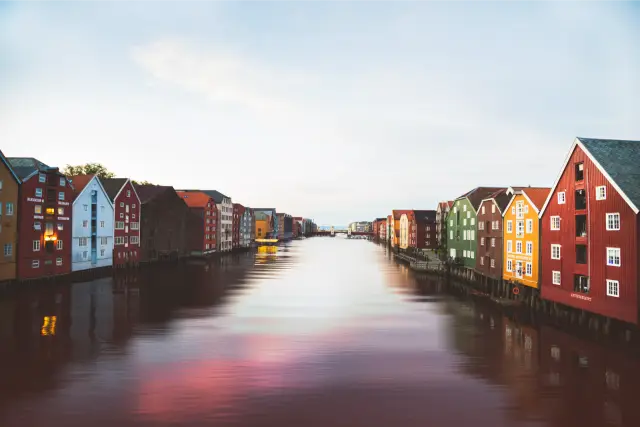


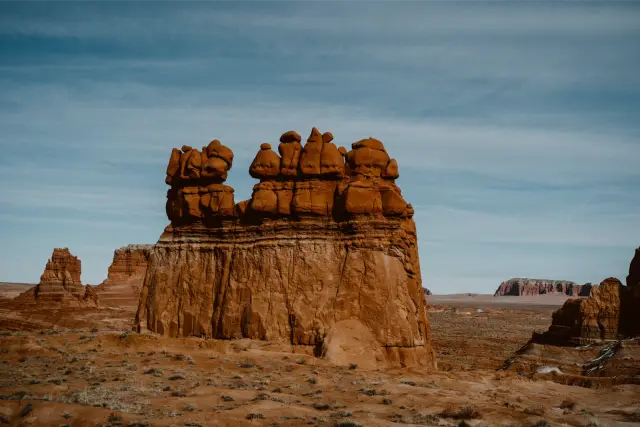
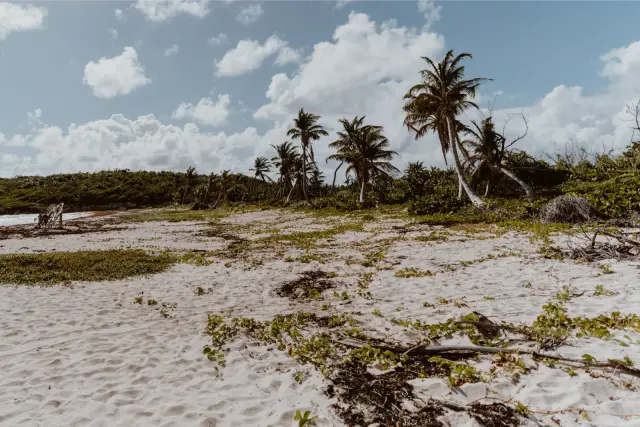


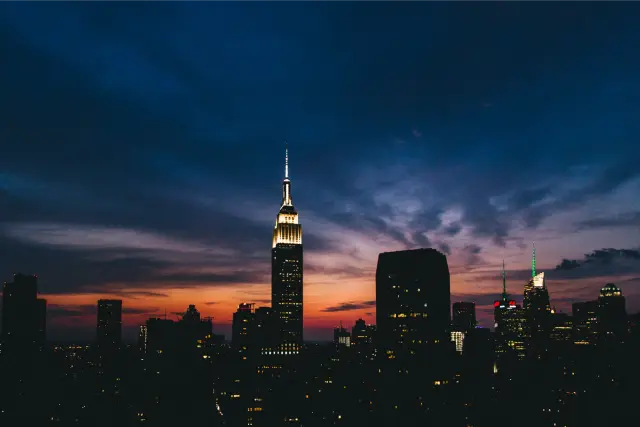
Eight photos, as the camera took them.
How it works.
1
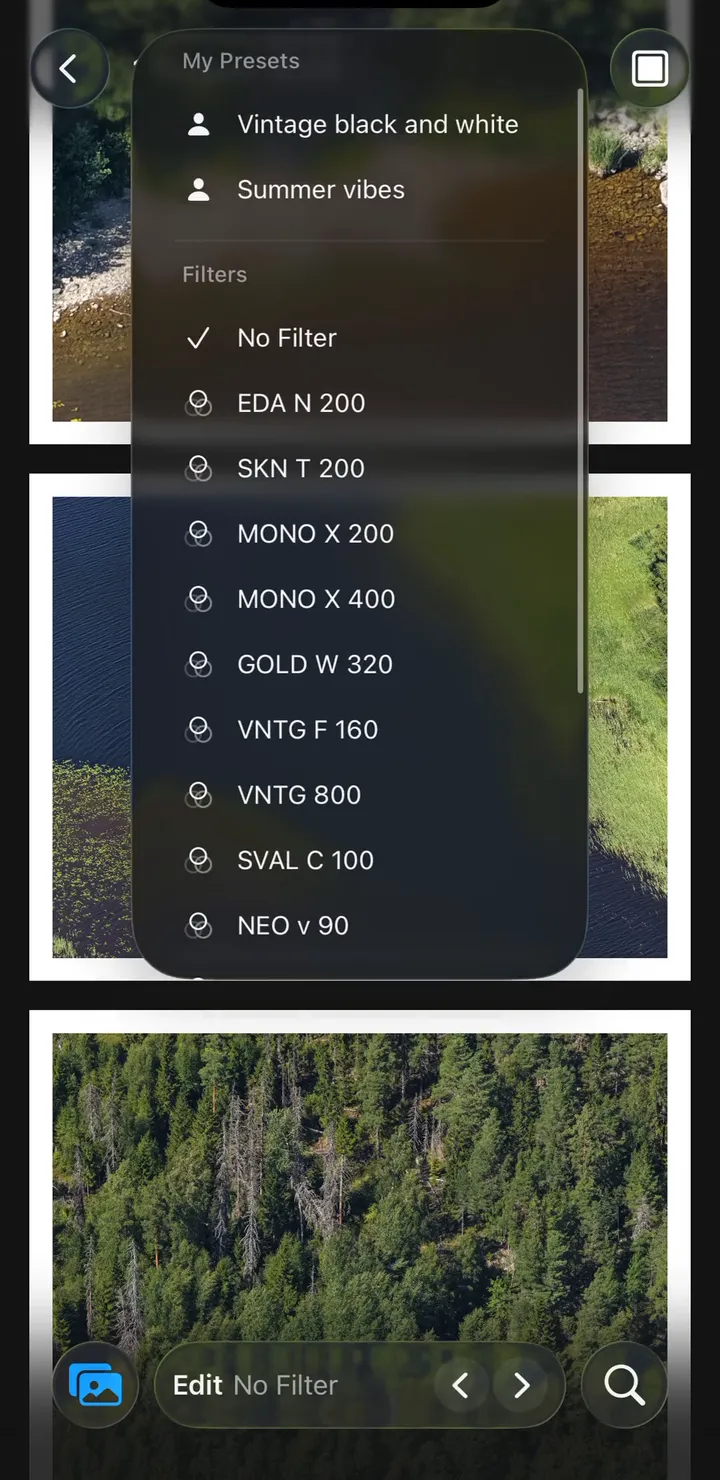
Choose a look
15 film looks are built in. Pick one, or make your own.
2
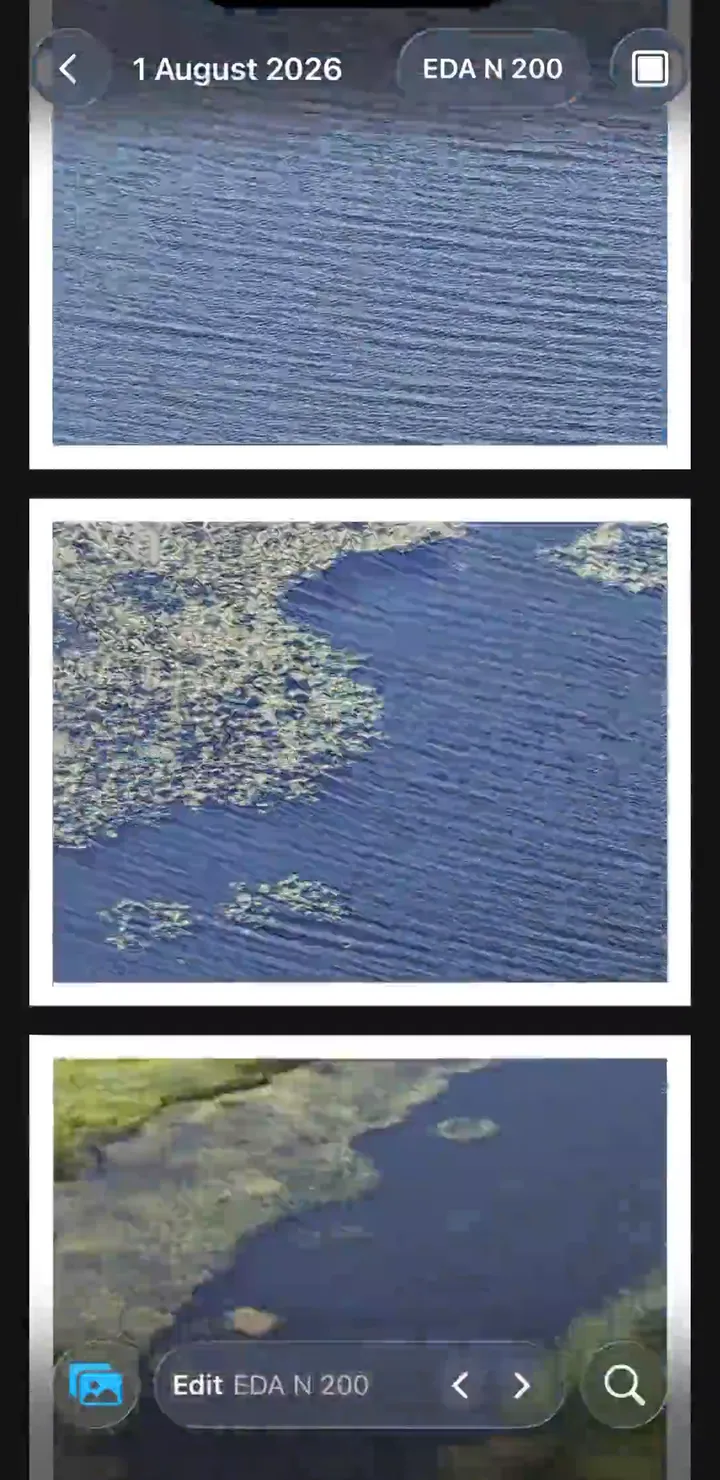
Open your library
Every photo already has the look. Scroll, search, or jump through Timeline.
3
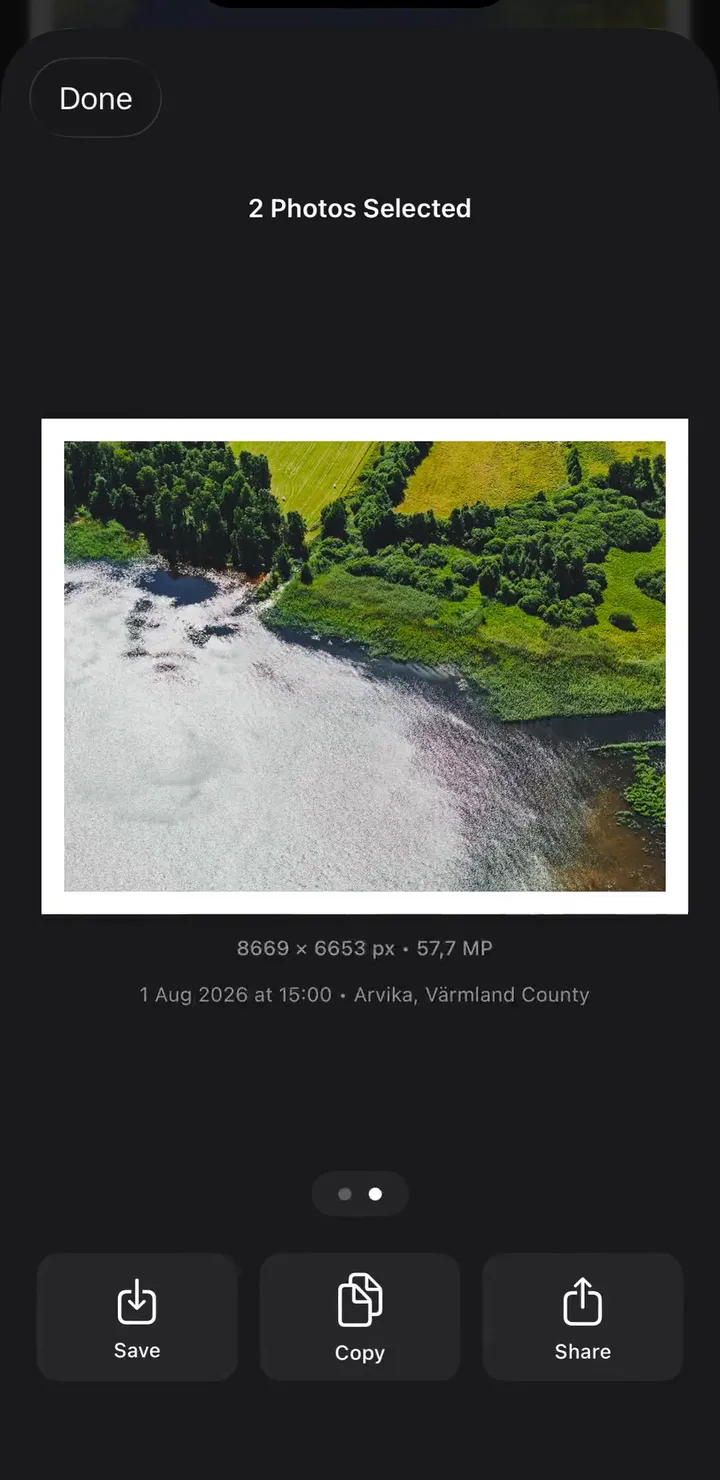
Share
Crop if you want, then send the finished photo. The original stays as it was.
15 film looks, built in.
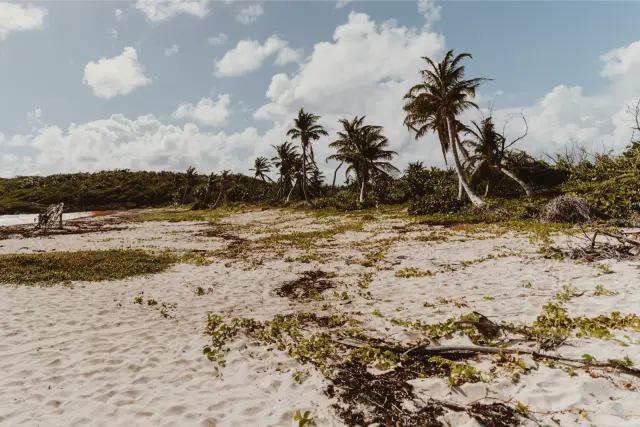
See every preset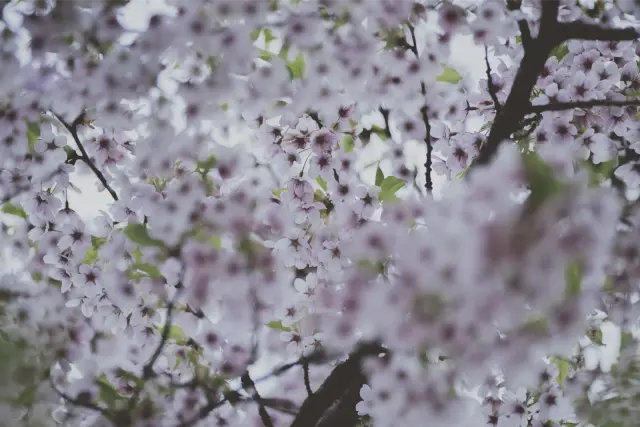 Fuji Pro 400H Soft pastel tones, lifted shadows, gentle contrast, subtle film grain.
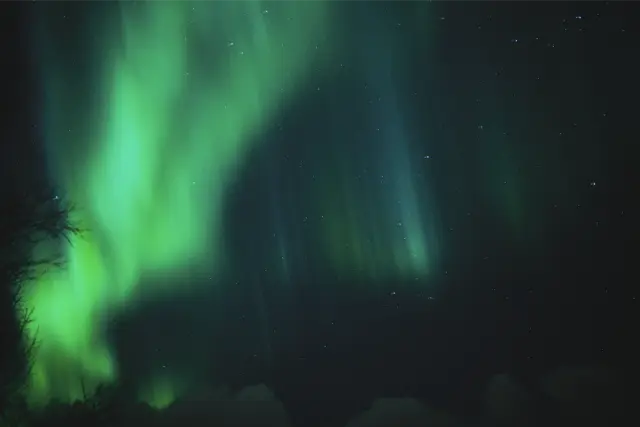
 Kodak Gold 200 Warm highlights, rich saturated color, golden glow, soft grain.
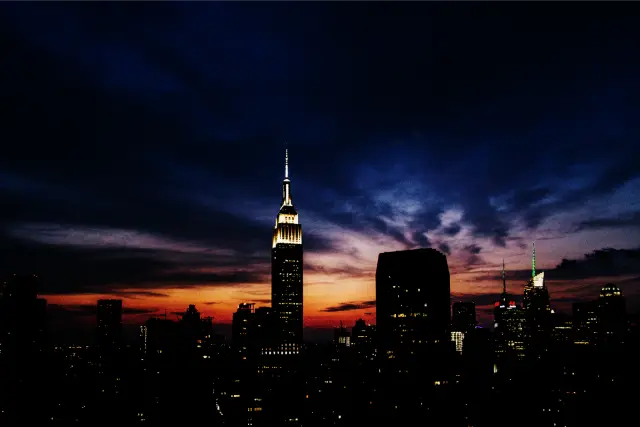
 Kodak Portra 800 Creamy skin tones, gentle contrast, warm highlights, visible grain.
 VNTG 800 Glowing highlights, lifted shadows, punchy contrast, chunky grain, slight vignette.
More about EditAll
- Features Editing controls, a live camera, Memories, and what is free and what is Pro.
- Lightroom presets Convert XMP and lrtemplate files, then use them across your library.
- Privacy Edits happen on your device. No account, no ads.
- About Who makes EditAll, and why a photographer put his Lightroom looks on his phone.
Your library. Your look.
Free to download for iPhone and iPad. Mac coming soon.